If you've ever merged a pull request that passed every check, looked clean in review, and then broke a downstream service ten minutes later…you already know the problem.
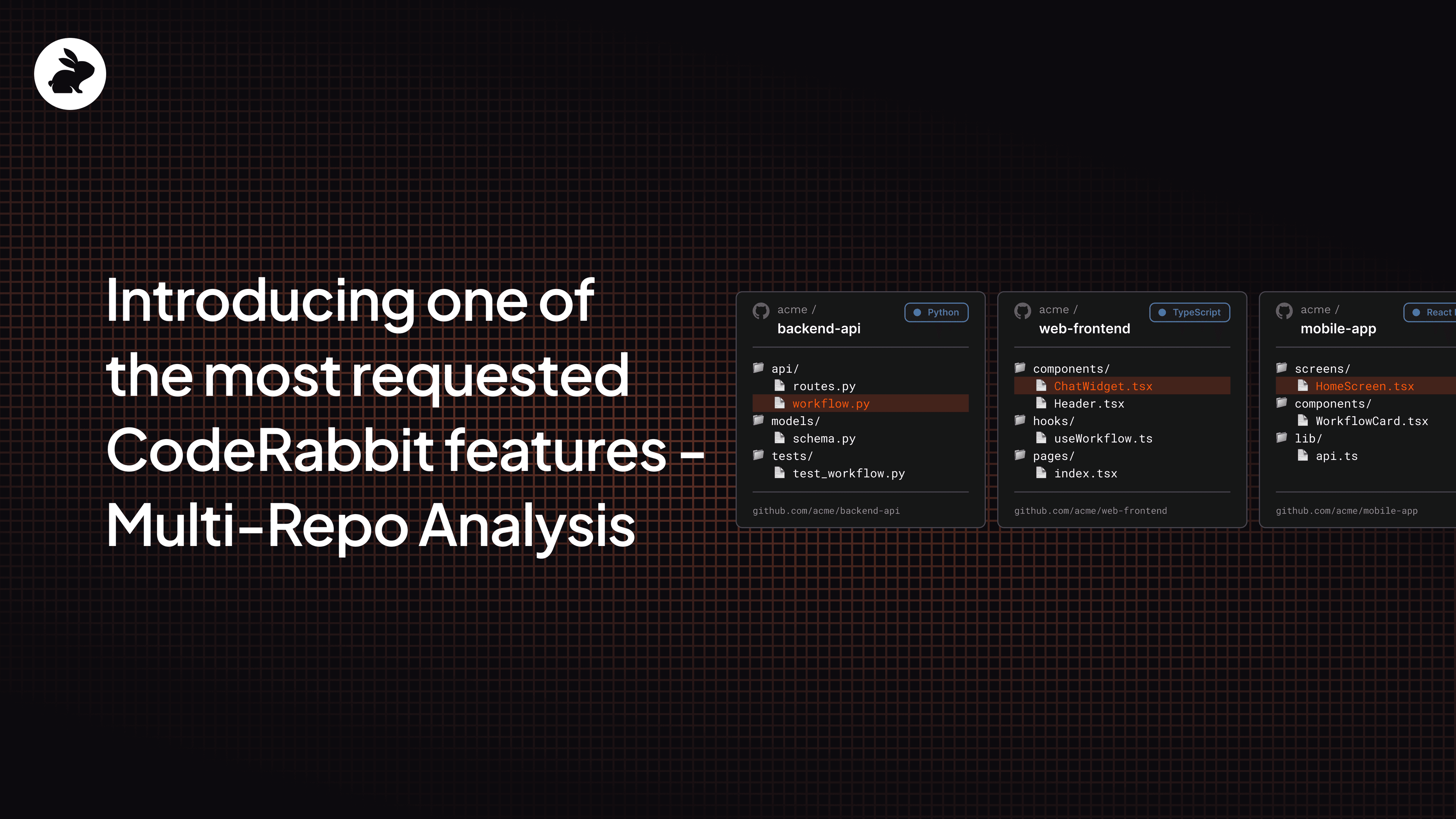
When your architecture spans multiple repos (microservices, shared libraries, separate frontend and backend packages) a change in one place can silently break things in another. A renamed field in your API response schema? Looks great in the PR, but the three services that parse that response have no idea what's coming.
This is one of the most common pain points we hear from teams running multi-repo setups and it's been one of the most requested features among our customers.
So we built it.
Introducing Multi-Repo Analysis
Multi-Repo analysis is a new CodeRabbit feature available to Pro, Pro Plus, and Enterprise tier users that let you connect related repositories so that CodeRabbit pulls context from across all of them during code reviews. Think microservices, shared libraries, API contract changes, or any setup where a change in one repo can quietly break another. More information on linked repositories per plan can be found here.
When a pull request modifies a shared API, type definition, or database schema, CodeRabbit automatically explores your linked repositories for downstream impact.
Instead of reviewing changes in isolation, you get the full picture before you merge.
Setup & configuration
Before you start using it, there are some platform-specific requirements to go through, to make sure the CodeRabbit bot has read access to all linked repositories:
Platform | Requirement |
GitHub | The CodeRabbit GitHub App must be installed on all linked repositories. Inaccessible repositories are skipped, and a warning appears in the review summary. |
GitLab | The bot token must have read access. Tokens are typically scoped to the group or instance. |
Bitbucket Cloud | The bot token must have read access. Tokens are scoped to the workspace. |
Azure DevOps | The PAT must have read access. Tokens are scoped to the organization. |
Once that's configured, you can finish the setup in two ways:
Through the CodeRabbit web interface
Head to Repositories section and select a repository that you would like to add a linked repository to
Switch off the Use Organization Settings toggle
Go to the Knowledge Base and find the Linked Repositories section.
Add a new linked repository with instructions that will guide CodeRabbit during review.
Through YAML configuration
- Add a linked_repositories section under knowledge_base in your .coderabbit.yaml file.
# yaml-language-server: $schema=https://coderabbit.ai/integrations/schema.v2.json
knowledge_base:
  linked_repositories:
    - repository: "myorg/backend-api"
      instructions: "Contains REST API endpoints and database models"
Keep in mind that as of now, each repository configuration supports only one linked repository, though multiple linked repos are planned in the future. For full setup details, check the docs.
See it in action
If you want a hands-on walkthrough, one of our Developer Advocates put together a tutorial that shows Multi-Repo analysis catching real cross-repo issues in a review.
Try it now
A Multi-Repo analysis feature is available today. Connect your repos, open a PR, and let CodeRabbit show you what you've been missing.