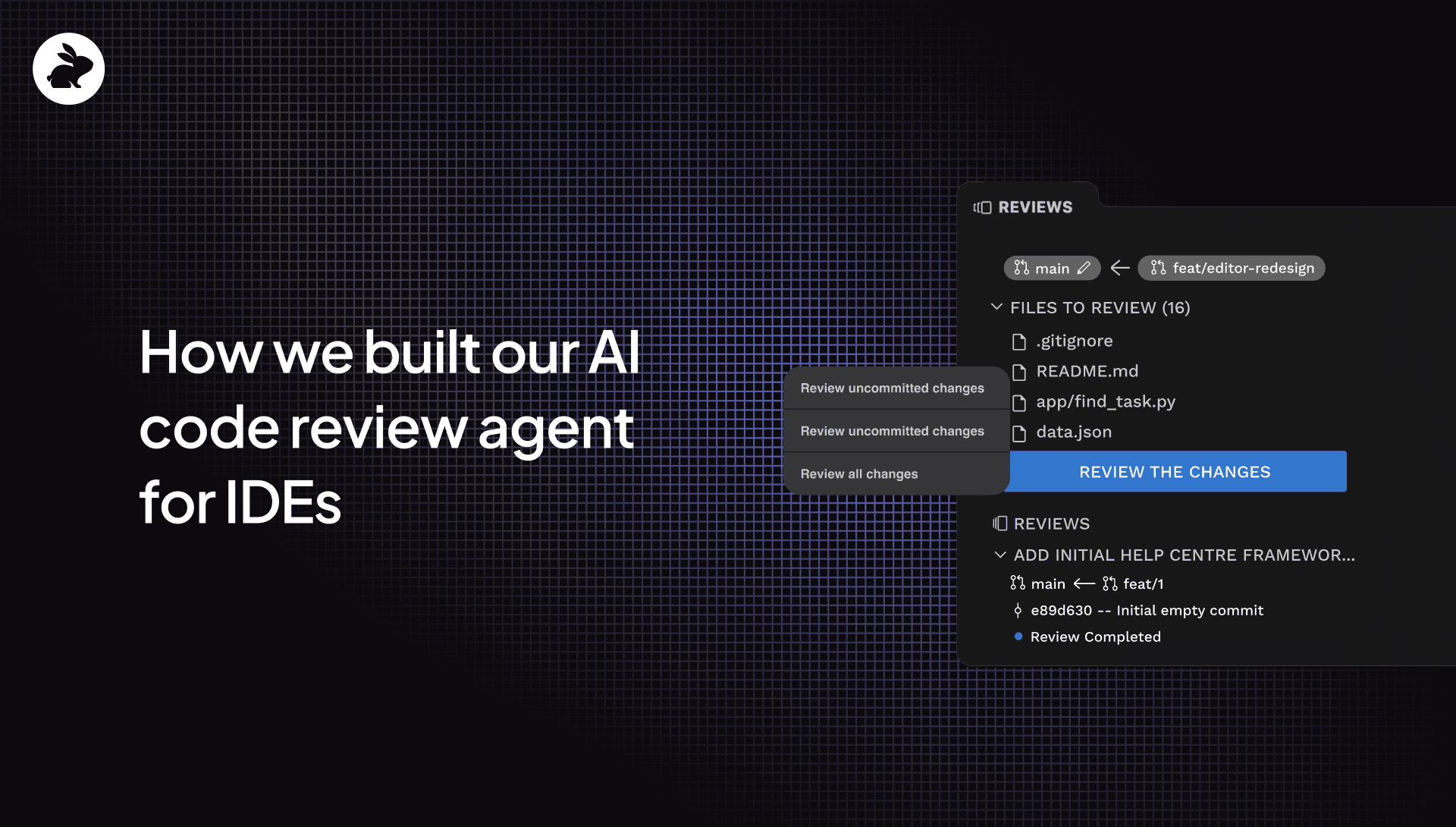
At CodeRabbit, we recently shipped our free VS Code extension, bringing context-rich AI-powered code reviews directly into your editor.
Our engineering philosophy has always been simple: we build tools that fit seamlessly into your existing workflow. While developers have told us our comprehensive PR reviews have helped them ship faster and keep more bugs out of production, many also asked for IDE reviews to help check code before sending a pull request.
By creating another review stage within VS Code (and compatible editors like Cursor and Windsurf), we've minimized disruptive context switching, allowing developers to catch logical errors and embarrassing typos before they ever send a PR. In our dogfooding, our team has found it helps catch issues early and reduces the iterative back-and-forth that can slow down teams at the pull request stage.
One engineering challenge we faced when designing IDE reviews was re-engineering our code review pipeline to meet developers’ expectations for instant reviews in their IDE. In this post, we’ll share how we thought through this shift and what steps we took to ensure high-quality reviews while reducing the time-to-first comment by ~90%.
Transforming CodeRabbit’s typical code review pipeline
Because CodeRabbit initiates a review immediately after a PR is sent, we optimized our PR code review process for the most helpful reviews and send a notification to the reviewer when our review is completed.
That process takes several minutes and involves a complex, non-linear pipeline that pulls in dozens of contextual data points for the most codebase-aware reviews.
We then subject all recommendations to a multi-step verification process to validate that each suggestion will actually be helpful in order to ensure our reviews have as little noise as possible. This involves multiple passes where we identify how parts of the codebase and changes fit together to look for issues before also processing and verifying each suggestion separately. During this process, we don’t share any of those suggestions with the user but wait until we’ve completed all steps in the pipeline in case we find that a suggestion might not be useful. This approach creates a sophisticated, non-linear review graph that is delivered in a batch to minimize noise.
However, users receiving a PR are unlikely to act on it immediately, so the processing time isn’t noticed. In that case, it makes sense to bias for quality over speed. But it’s different with IDE reviews. In the IDE, the user expects that reviews will start instantly and be delivered quickly since they might be waiting for the review before sending a merge request. They want to start working on changes immediately. To create an IDE review that better fit user expectations, we needed to adjust how we approached reviews for that context—without impacting review quality or usefulness.
Balancing quality and speed
Developing a streamlined pipeline able to deliver near real-time feedback directly within your coding environment required that we restructure how events and review comments were both created and transmitted.
This process started by thinking intentionally about the affordances around creating valuable insights in real time. Real-time reviews would make it impossible for every comment to go through our verification steps to ensure its relevance. But removing those steps from our pipeline would lead to noisier reviews and a higher proportion of unhelpful suggestions. At what point would the signal-to-noise ratio make an AI code review more of a nuisance than a help?
Since we also offered a solution at the PR stage, we could make our IDE reviews narrowly focused on what mattered most at that stage. We decided that anything that was architectural or required deeper verification with the full codebase was better suited for the PR stage since trying to deliver valuable insights around that would require multi-step validation and take too long. In our PR reviews, we even go so far as to check code by attempting to run it in our sandbox. But that would be impossible in real-time.
We decided instead to prioritize reviewing for mistakes, specification alignment, bugs, and logical issues that a developer might miss while coding or editing. Since those are the types of things that could require a PR to be sent back for changes or make your colleagues question how you could have missed them, we saw these as the most critical issues to look for in the IDE. For example, in my own use of our IDE reviewer, it found a conditional that I changed by mistake and didn’t notice.
We also still wanted to have a verification process that would validate that any suggestions we made would be beneficial but needed to build a more lightweight process for doing so.
Our goal was to develop the best IDE reviews, but we knew they didn’t need to be as comprehensive as our PR reviews. The goal of IDE reviews is to streamline the PR process with an IDE check to help devs tackle the most critical changes and merge more confidently. At that point, the code would undergo our more in-depth PR review.
How we engineered it
Here’s how we tackled developing a new pipeline for our IDE reviews.
Review processing and delivery
One of the biggest changes we made was to how we process and deliver reviews. While in the SCM, we process all suggestions together and wait until we’ve completed our review before delivering the results to users, in the IDE we opted to deliver suggestions iteratively in real-time as our pipeline created them. While we could have opted for a more superficial review and delivered the complete results faster, we wanted to balance comprehensiveness and quality with the user’s need for instant feedback. By sharing suggestions over a longer period of elapsed time, we were able to buy extra time to include additional steps in the process to improve the quality of the suggestions.
Because we opted to engineer our system in this way, that also meant that CodeRabbit was able to give continuous feedback as you code using the same review process and pipeline.
Context preparation
Context enrichment is a big part of how we deliver the most codebase-aware and relevant recommendations. However, our context preparation process is extremely comprehensive for our PR reviews. We go so far as bringing in linked and past issues, cloning the repository, and even building a Code Graph of your codebase to analyze dependencies. That kind of context enrichment wasn’t possible in the IDE. Instead, we focused on the code primarily to keep the context lighter for a faster review.
Prompt and model optimization
Despite rearchitecting our pipeline to be more linear and to cut down on steps, we didn’t alter the multi-model orchestration that we use for our PR reviews. We use the same orchestration of models for both kinds of reviews, but we created different choices of weights to intelligently select the models to process different parts of the review. We also fine-tuned how our decisioning engine worked to create a more linear process flow. Finally, we optimized our prompts for faster response times and the different priorities we’d identified for IDE reviews.
Choosing non-streaming LLM responses over streaming responses
We first thought streaming responses—generating words one by one from a language model like in ChatGPT—would be ideal for our IDE reviews, especially since it’s popular for real-time tasks. But because our prompts are large and we perform significant context engineering before starting our reviews, we ran into problems like garbled output from the model and missing tool calls.
Users expect review comments to be complete, unlike casual chats with AI coding assistants. So, we have to clean up the model’s output before showing it. Since streaming models generate their output in chunks, we had to buffer the LLM output until the model generated a full comment before sending it through our processing pipeline. This delay meant streaming didn’t help much in our case. Instead, we chose to wait a bit longer to get complete outputs for a bunch of files simultaneously.
UI changes
We had to design our UI from the ground up in VS Code. At first, we thought of adding our own comments panel where we would add comments similar to how we do it in SCMs. But we realized that a comments panel wasn’t the right way to do real-time comments. We decided to integrate our comments more directly into the editor so that users get the comment where the code is. We find this is a more IDE-native strategy and creates a better UX flow.
Working with users’ preferred AI coding agents
Because so many developers use AI coding tools in their IDE, we wanted to take advantage of that to give devs a choice in how to resolve a suggestion from CodeRabbit. We give users the option to resolve the issue with code we suggest or to pass the suggestion to the user’s preferred AI coding assistant to suggest code, all in one click.
What’s next on the roadmap?
We might have launched version 1.0 of our IDE reviews, but we have a number of things on our roadmap to make them even more helpful.
Near term
- User-level Learnings: We’ll be adding the ability to add Learnings or give feedback on suggestions so our agent automatically learns the suggestions you like and don’t like. We currently have org-wide Learnings in the SCM but want to extend this feature to individual developers who want to add custom Learnings that will only apply to them.
- Tools: We’re planning on bringing the 30+ tools you can use in our PR reviews to our IDE reviews. If you’re already running linters in your IDE, you’ll be able to do it all in one review with CodeRabbit. Look out for this addition later in the year.
Longer-term
Web Queries: We plan to integrate our context-enhancing features into our IDE tool to help identify and prevent bugs with fewer false positives and keep reviews up-to-date on versions, library documentation, and vulnerabilities, even if the LLM isn’t.
Docstrings: Want to create docstrings before you merge? We’ll be adding this feature that’s currently part of our PR reviews to our IDE reviews in the future.
More codebase awareness: We will be bringing in additional data points to create more codebase-aware reviews in the IDE.
Try our free IDE reviews here. Interested in tackling similar challenges? Join our team.