Your pull requests deserve a home page. On existing Git platforms, the closest you get to a home page is four tabs, and a status widget that you piece together yourself.
Every pull request asks you two questions before you can do anything useful with it: What is this change? and What's stopping it from merging? Currently to answer those questions you need to hop between tabs to get a better understanding of the changes in your head.
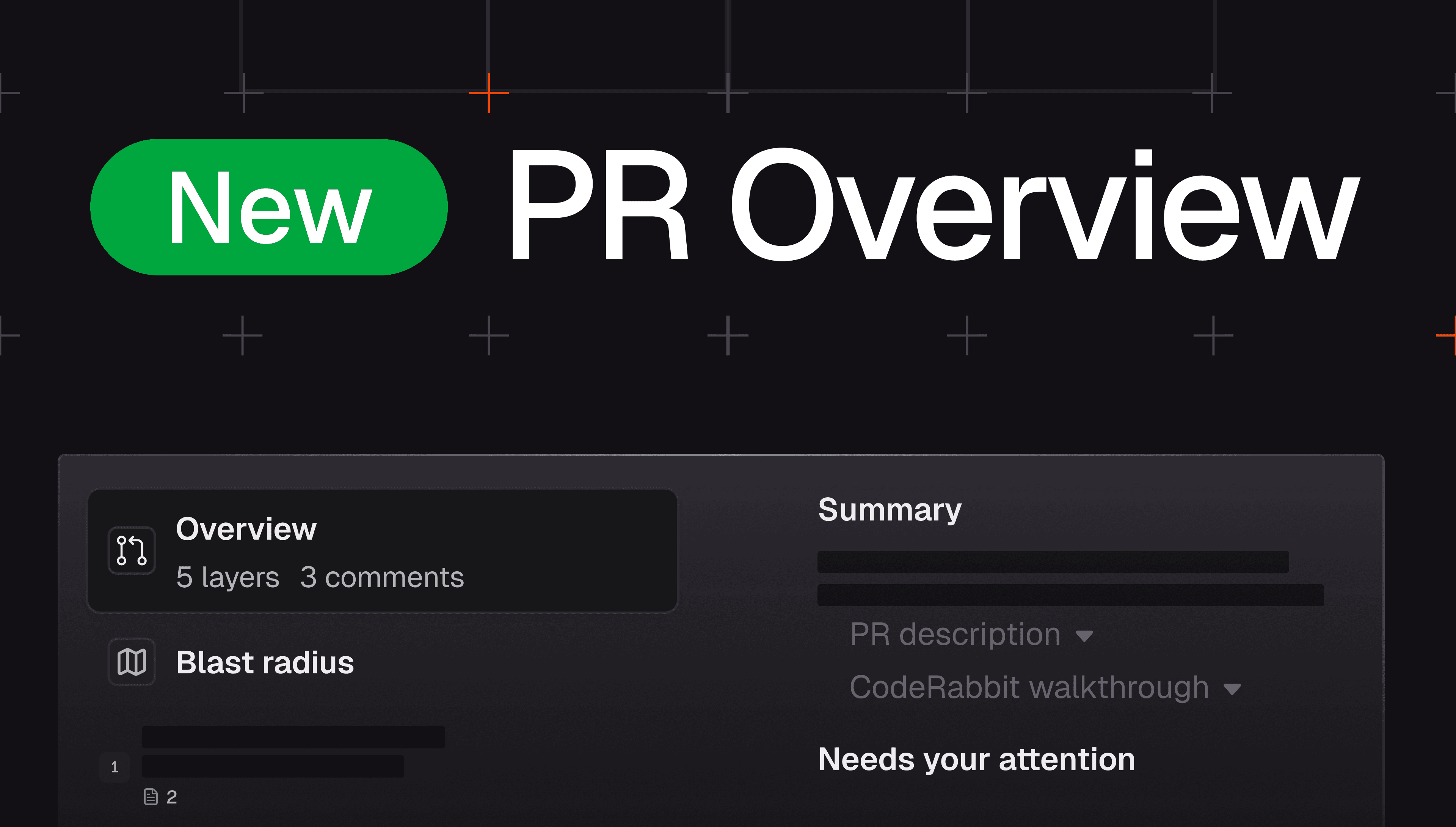
The new Overview page in the CodeRabbit Review UI answers both for you, on one screen, the moment you open a pull request. Reviewers get an instant read on what the change is and why.
Authors get a single, ranked list of everything left before merge. This post walks through what's on the page, who each part is for, and why we decided a pull request deserves a purpose-built home instead of another tab.
First, what's the CodeRabbit Review UI?
CodeRabbit's Review UI breaks a pull request into ordered layers, coherent slices of the change you review one at a time, in a sensible order, instead of one flat alphabetical diff. The Overview page is the front door to that experience: where you get oriented before you start working through the layers.
What's on the Overview page (and who each part is for)
The page serves the two people every pull request has: the reviewer trying to understand it, and the author trying to land it. It's organized around the question each of them is asking.
Top: "What is this pull request?" (for the reviewer)
The top of the page leads with a one-to-two-line AI summary of the change, the original pull request description pulled straight from Git platforms, alongside the full CodeRabbit Walkthrough, which includes a sequence diagram of the flow when the change has one.
The question it answers: What does this change actually do, without reading every file? Instead of reverse-engineering intent from the diff, you arrive already oriented.
The status verdict, answered before you even open the page
The Overview entry in the left sidebar carries a single, plain-language read on mergeability. It folds together merge blockers, CI, pull request checks, the review decision, and CodeRabbit's own findings into one answer.
The question it answers: Can this merge, and if not, how much is in the way? You see it at a glance, before you click into anything.
"Needs your attention" (for the author)
This section is one consolidated list of everything standing between this PR and merge, sorted into four tiers. Any tier that's empty is hidden, so you only see what's actually relevant to this PR:
Merge blockers needing your attention: Things you have to clear before the PR can merge, like conflicts, a branch behind base, or requested changes.
High-priority concerns: Serious issues that don't strictly block the merge but you should look at before you ship, such as failing CI checks and CodeRabbit's critical or major findings.
Pending blockers: Things that block merging but usually clear on their own, like CI that's still running. Normally you just wait, and check back if one is taking longer than expected.
Doesn't block merge, but worth a look: Lower-priority items, like inconclusive pre-merge checks and CodeRabbit's minor findings.
The question it answers: What do I need to do next to get this merged? You don't have to check the check box, the conversation tab, and the reviewers list one by one.
A few of these are actionable right here today. You can mark a draft ready, or ask CodeRabbit to resolve conflicts or fix CI. The rest link straight to the relevant spot on your platform.
Right rail: The pull request-level conversation
The right side carries pull request-level discussion (reviews and comments) plus the chat agent, so you can ask questions about the change in context.
One deliberate omission: line-level review comments don't appear here. They only make sense next to the code they're about, so they live in the layers where that context exists.
Why we built a separate Overview page
GitHub and GitLab already have a pull request page, so why did we build another one?
We built a separate Overview page because the platform pull request page doesn't answer questions a reviewer or author might have and instead gives you raw materials that you have to assemble together yourself.
To understand a pull request, you bounce between the conversation tab, files changed, commits, and the checks box, then try to stitch it all together in your head. To find out why something won't merge, you stare at a disabled button or a spinner. It’s not an ideal experience as the information is all there but the orientation in which everything is reviewed is not there.
The Overview page does that assembling for you.The Overview page does that assembling for you. It's a single pull request–level home that answers two questions: what is this pull request, and can it merge? One answer for the reviewer, one for the author.
For the reviewer, the summary and walkthrough are there by default, the first thing you see when you open the review change stack, so you arrive at the diff already oriented with the right context instead of reconstructing the author's intent file by file. GitHub and GitLab now offer AI summaries too, but they're opt-in, often behind a paid tier, or buried in a bot comment you have to go hunting for.
For the author, it's one verdict instead of a guessing game about whether the PR can merge. That answer used to be scattered across a 165-row checks box, the conversation tab, and the reviewers list. The Overview reads all of those signals and ranks what's left, so your attention goes straight to what you can act on.
Where the Overview page goes from here
The Overview page is live today, and it's already where a lot of us start our reviews. It's also just the beginning:
More actions, in one place. Many of the cards that currently link out to GitHub or GitLab will become resolvable right on the Overview, including kicking off a CodeRabbit coding-agent task to fix CI without leaving the page.
A full pull request timeline. The discussion rail will grow into a complete timeline of app full request avowals, commits, force-pushes, and more.
A richer pull request dashboard. A compact view of pull request details, and deployments (so you can jump straight to a pull request view environment for the change).
The Overview page is available now to everyone with access to the Review UI. Take a look and tell us what helped you get oriented faster and what would you want actionable directly on the page next.