


Brandon Gubitosa
May 26, 2026
10 min read
Share


Cut code review time & bugs by 50%
Most installed AI app on GitHub and GitLab
Free 14-day trial
AI coding agents no longer show up in just one place. One sits in your editor and rewrites a function. Another runs tests from your terminal. A third opens a branch in the background. A fourth reviews the pull request after the code is pushed.
They all get grouped under the same label, but they do different jobs in different parts of the workflow. They run with different levels of autonomy, touch different systems, and carry different failure modes.
That is why the usual agent taxonomy often feels too abstract for engineering teams trying to decide what to use.
A more practical way to sort these tools is by workflow fit.
Where does the agent show up? What part of the job is it trusted to handle? What happens if it gets something wrong? From that angle, AI coding tools fall into six useful roles: IDE agents, CLI agents, background agents, review agents, planning agents, and Slack-native agents.
An AI coding agent is a system that reads code context, reasons about a task, takes actions through tools, and checks the result without needing a human to spell out every step. That can mean editing files, running tests, searching the repo, opening pull requests, or commenting on diffs.
The difference from an assistant matters. An assistant answers a prompt. An agent works across a task.
In practice, that difference shows up when the tool moves from "write this function" to "fix the failing test, update the call sites, and show me the diff."
There are seven types of AI agents you’ll see in almost every search result on the topic. These types are useful for understanding how agents are designed.
Simple reflex agents are the most basic type. They react to the current input using fixed rules, with no memory of what happened before and no sense of what might happen next.
You’ll recognize this as a formatter, a lint rule, an auto-complete tool, or a CI check. This type of agent is fast, predictable, and easy to trust, but they’re not really “agents” in the way most developers mean when they talk about AI coding tools.
Model-based reflex agents build on the simple reflex agent type by keeping some internal state. They track what’s going on so they can make better decisions even when the full picture isn’t visible.
This maps closely to IDE tooling. An agent that looks at open files, recent edits, and repo structure before suggesting changes is already operating with a lightweight model of your environment.
These types of agents introduce planning. Instead of just reacting, they work toward a defined outcome.
This is where most modern AI coding agents would most likely sit. You give them a task like “add password reset,” and they figure out the steps required to do so, such as editing files, updating call sites, and running tests to get there.
Utility-based agents take things a step further by evaluating tradeoffs. Instead of just reaching a goal, they try to choose the best path based on expected outcomes.
In practice, this could mean deciding whether to apply a quick fix, refactor a larger section of code, or avoid a risky change altogether. The key idea is optimization, not just completion.
Learning agents improve over time based on feedback. They are the more adaptive end of the taxonomy.
In coding agents, this shows up indirectly. The agent adapts through accepted suggestions, review patterns, and project-specific rules. Over time, it starts to align with how your team prefers to write and review code.
Hierarchical agents organize work into layers. A higher-level agent breaks a problem into smaller tasks, while lower-level agents handle the execution. One layer defines the plan, while others handle implementation details.
Multi-agent systems distribute work across multiple specialized agents.
One agent might plan, another implements, and another reviews. This pattern is becoming more common in coding tools, especially for more complex or long-running tasks.
These standard types of AI agents describe how an agent reasons internally, but they don’t tell you where it runs, how it interacts with your code, or how much control you’re handing over.
There’s also a naming problem. Different sources define and group these agent types differently, with overlapping terms and blurred boundaries. The same tool could reasonably fit into multiple categories depending on how it’s described.
That makes the taxonomy hard to apply.
Instead of focusing on how agents are classified, it’s more useful to ask a simpler question:
Where does this agent show up in my workflow, and what am I trusting it to do?
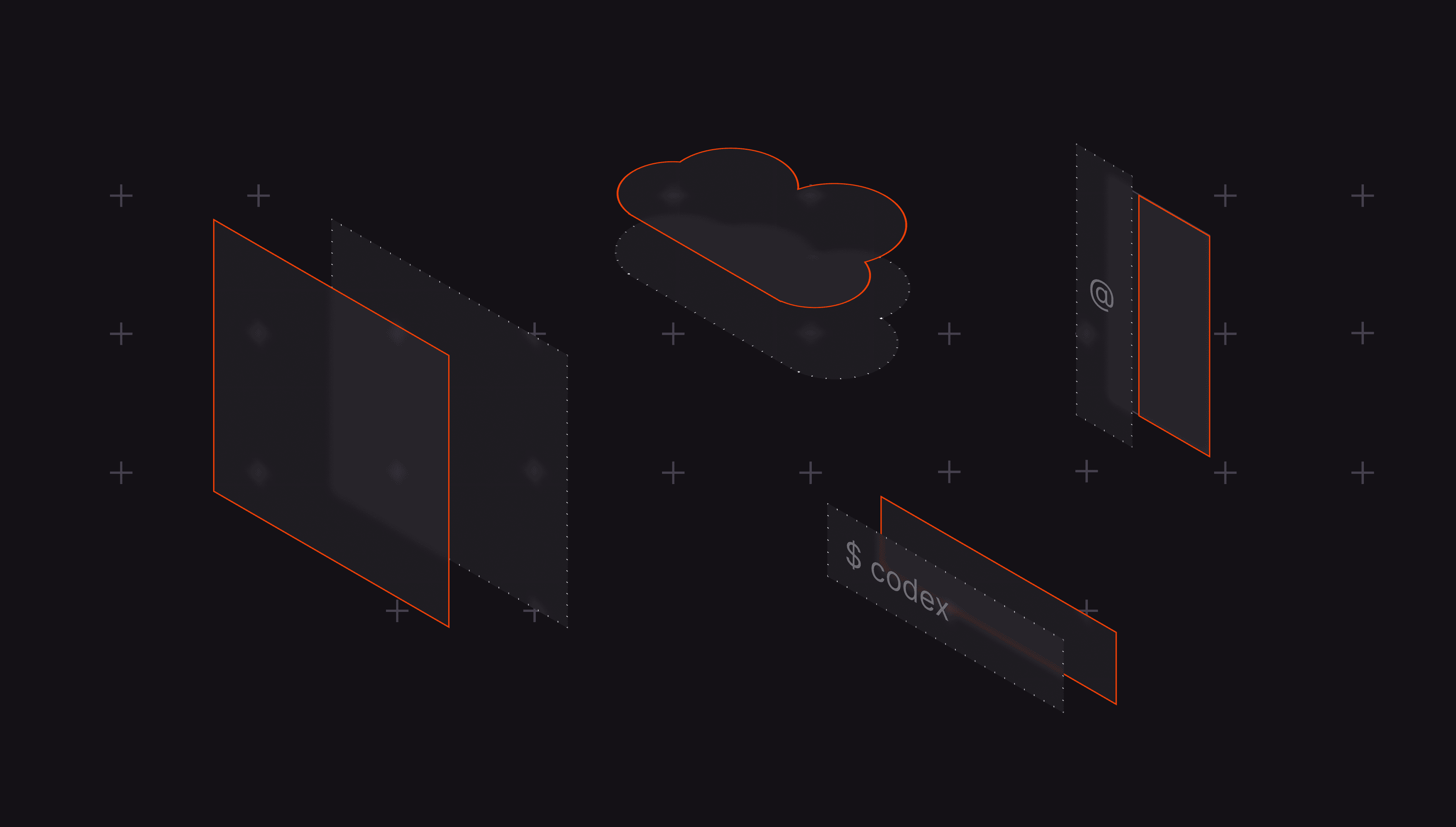
From that perspective, coding agents commonly appear across six surfaces or roles:
IDE agents sit directly in your development environment; they operate with immediate access to your code context, recent edits, and file structure. This lets them assist with decision-making in real time.
In practice, these agents are best suited for tight feedback loops, refactoring, fixing failing tests, or handling repetitive tasks as you write code.
CLI agents operate in the terminal, which makes them a natural fit for developers who already rely on shell workflows, scripts, and logs. Some examples include Claude Code, Gemini CLI, and Codex CLI.
Unlike IDE agents, they can traverse the full repository, read logs, and run shell commands, making them more flexible but also harder to constrain, as they operate closer to the raw environment.
Background agents run independently of your active session, often in isolated environments. They take on tasks, execute them over time, and return results as pull requests or branches.
This model works well for longer-running or well-defined tasks such as adding tests, automating routine tasks like monitoring and generating alerts, or handling migrations across multiple systems.
Review agents sit after code generation or at the merge point. They don’t generate code; they inspect pull requests, explain risk, and suggest fixes without caring whether the code came from a human, an IDE agent, a CLI agent, or a background worker.
They typically combine LLM-based code understanding with rule-based static analysis to flag issues across style, correctness, and security. As AI generates more code, review agents become critical. They can act as a control layer, catching issues in complex workflows and helping teams manage trade-offs between speed and quality.
Planning agents work before implementation. They take inputs such as tickets, product requirements, or design docs and turn them into structured plans grounded in the codebase.
This is especially useful for complex workflows or uncertain environments, where jumping straight into code leads to poor outcomes. In many cases, planning agents serve as the coordination layer in multi-agent systems, enabling multiple agents to communicate and handle different parts of a task.
6. Slack-native agents
Slack-native agents use Slack as the coordination surface rather than the editor, terminal, or pull request itself. They let teams trigger work from a shared thread, pull in context from connected repositories and tools, and route the result back into the same conversation.
In practice, they are best suited for multiplayer workflows: incident response, support triage, issue planning, codebase Q\&A, operational follow-up, and lightweight execution that needs visibility across engineers, PMs, and other stakeholders. They are especially useful when the work starts from a conversation rather than from code.
Here’s a quick summary of how these coding agents compare:
| Agent roles | Where it runs | How it triggers | What it produces |
| IDE agents | Editor | Prompt, selection, chat, agent mode | File edits, explanations, test runs |
| CLI agents | Terminal | Shell prompt or command | File edits, commits, test output |
| Background agents | Cloud or sandbox | Assigned issue or task | Branch, diff, pull request |
| Review agents | Pull request workflow | PR opened or manual review request | Comments, summaries, suggested fixes |
| Planning agents | Web app, issue tracker, IDE | Issue, PRD, design, free-form request | Implementation plan and agent-ready prompt |
| Slack-native agents | Slack thread or DM, backed by connected tools and repos | Mention, message, slash command, workflow trigger, scheduled automation | Plans, summaries, incident/support triage, follow-up actions, code changes, PRs |
Each type solves a different part of the development loop. IDE and CLI agents help you think, explore, and make changes. Background agents handle longer-running or repetitive tasks. Planning agents turn vague requirements into structured work. Review agents act as a control point before code is merged. Slack-native agents turn Slack into a shared interface for technical work, which makes it effective when the task involves multiple people, external context, or execution that needs to stay visible to the team.
In practice, teams are already combining multiple AI agents across different stages of development rather than relying on one system to do everything.
Combining agents matters even more as AI code generation scales. Our 2025 report analyzed 470 open-source pull requests and found that AI-authored PRs had about 1.7x more issues than human-only PRs. The more AI coding agents generate code, the more it increases review load, which makes an independent review layer essential.
Do not compare every tool against every other tool. First, decide the type you need, then ask sharper questions.
Most teams scale generation before they scale review. That is the wrong order. IDE agents, CLI agents, and background agents all increase how much code enters the system. Planning agents can improve the quality of the work upstream, but they do not replace downstream scrutiny.
Once more code is being produced, review becomes the control point.Review agents matter because they do a different job. The same system that generates a change should not be the only system judging it. Let coding agents write code. Let planning agents reduce ambiguity before implementation.
Put an independent reviewer in the pull request flow to inspect the result against a consistent standard. That is how teams keep testing, policy checks, and auditability aligned with the speed of generation instead of letting quality drift as output scales.